

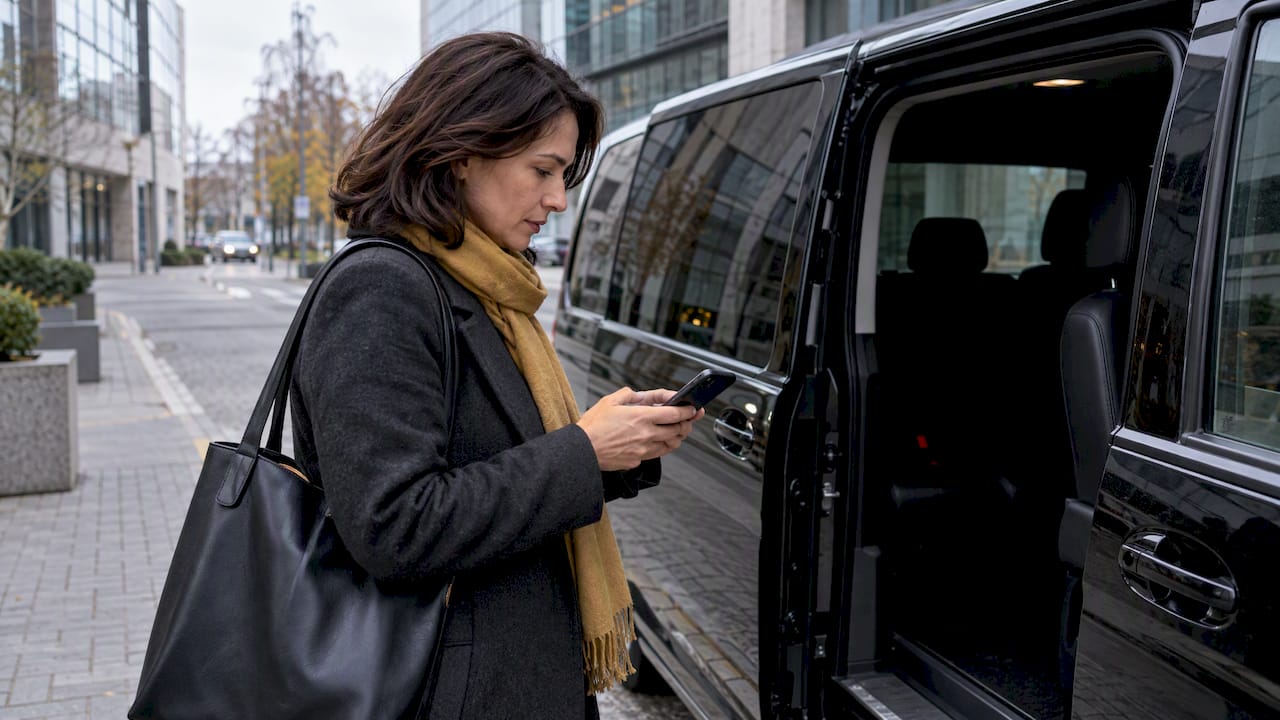
Private transfers with onboard Wi-Fi are available in Estonia, and the fastest path to one is to book directly with a premium operator and get the hotspot confirmed in writing before pickup. We offer transfers where Wi-Fi can be confirmed at booking, so if a stable connection matters for your trip, ask us to put it in writing and check our pricing and booking page to see the vehicle options.
TL;DR:
- Ask the operator whether the hotspot uses a router or phone, its data cap, device limit, and any extra fee; get written confirmation before booking.
- Hotspots usually handle email, messaging, and voice calls, but multiple HD video streams can strain them; rural roads and island ferry crossings may interrupt coverage.
- Avoid sensitive logins on open networks, prefer WPA2 or WPA3 protection, and use a company VPN for business traffic; keep mobile data or offline files ready.
- At pickup, check the network name, password protection, signal, and speed before starting demanding online work; terminal Wi-Fi does not extend into the vehicle.
Table of Contents
- What a Wi-Fi transfer actually means in Estonia
- How to verify onboard Wi-Fi when you book a private transfer
- Realistic expectations for speed, security, and coverage on the road
- Booking checklist and sample confirmation text you can copy
- Why we treat Wi-Fi confirmation as part of the service
- Book a SolidRide transfer with Wi-Fi confirmed in advance
- FAQ
- Sources
What a Wi-Fi transfer actually means in Estonia
When a transfer service advertises onboard Wi-Fi, it typically means the vehicle carries a dedicated router or a driver’s phone set up as a hotspot, running on a local SIM card. That connection is a passenger amenity, separate from any public network you might use elsewhere on your trip.
It is also a different system from the free Wi-Fi inside Tallinn Airport’s terminal, which runs under the network name “Airport Free by Guardtime” and requires you to accept terms through a browser gateway before you connect. Airport Wi-Fi covers the building. Vehicle Wi-Fi covers the ride, and the two should never be assumed to behave the same way in terms of speed or reliability.
Before you book, it helps to know the terms operators tend to use for this amenity:
- Device limits: most vehicle hotspots support a handful of simultaneous connections, not unlimited devices.
- Fair-use policy: some providers cap data per trip or per day rather than offering truly unlimited access.
- Coverage scope: a hotspot may work well within Estonia but behave differently near borders or on cross-water routes.
- Inclusion versus fee: premium operators often bundle Wi-Fi into the fare, while budget services may treat it as an add-on.
Knowing these terms means you can ask sharper questions instead of taking “Wi-Fi included” at face value.
How to verify onboard Wi-Fi when you book a private transfer
The only reliable way to avoid disappointment is to confirm details before you get in the car, not after. A few direct questions at booking time settle most uncertainty:
- Ask whether Wi-Fi is provided through a dedicated vehicle router or the driver’s personal phone.
- Ask whether data is unlimited or capped, and what happens if the cap is reached mid-trip.
- Ask how many devices can connect at once, since a family or a small business group can exceed a basic hotspot quickly.
- Ask whether the operator can state a typical speed range, even a rough one, rather than just “yes, we have Wi-Fi.”
- Request that the answer be put in writing, either in the booking confirmation email or a direct message, especially if the ride supports a work call or a deadline.
Look for this information on the booking page itself, in the terms and conditions, or in the confirmation email you receive after paying. If none of these mention Wi-Fi explicitly, do not assume it exists: message the operator directly and ask.
At pickup, a quick check takes less than a minute: look for the network name (SSID) on the dashboard or ask the driver, confirm whether it is open or password-protected (WPA2 is the safer standard), check the signal bars on your phone, and run a fast speed test before you start anything data-heavy.
A sample message you can send an operator: “Can you confirm whether the vehicle has onboard Wi-Fi, whether it’s a dedicated router or phone hotspot, and whether there’s a data limit for a 45-minute airport transfer?”
Pro Tip: Save the operator’s written Wi-Fi confirmation as a screenshot, not just an email you might lose in a crowded inbox.
Realistic expectations for speed, security, and coverage on the road
Vehicle hotspots are built for light, practical use, not heavy entertainment. A typical mobile hotspot comfortably handles email, messaging, and voice calls over VoIP apps, but asking it to stream HD video for multiple passengers at once is where most connections start to strain.
Security deserves the same attention you’d give any public hotspot:
- Avoid logging into banking or sensitive accounts over an open network with no password.
- Use a VPN for business traffic if your company provides one, especially over unfamiliar networks.
- Prefer hotspots secured with WPA2 or WPA3 over anything marked open.
Cellular coverage along Estonian routes is not uniform. Rural stretches, and especially ferry crossings to Saaremaa or Hiiumaa, can cause the connection to drop entirely for stretches of the journey, since the Visit Tallinn arrival guide confirms that Estonia’s transport network includes these island links, where cellular service naturally weakens over open water. If a call or file upload absolutely cannot wait, carry a backup: your own phone’s data plan, roaming if you’re visiting from abroad, or a downloaded offline version of whatever you need to present.
Booking checklist and sample confirmation text you can copy
A short checklist before you confirm a transfer saves you from guessing later:
- Confirm whether the hotspot is a dedicated router or a tethered phone.
- Ask about device limits and whether a data cap applies.
- Get the login method (open network or password) in advance if possible.
- Ask whether Wi-Fi is included in the fare or billed as an extra.
- Ask what the backup plan is if the connection fails mid-route.
For the written request itself, two short steps work well:
- Send this before booking: “I’d like to confirm onboard Wi-Fi is available for my transfer on [date], including the connection type, any data limits, and whether it’s included in the price.”
- Keep the operator’s reply attached to your booking confirmation so you have it on hand at pickup.
In Estonia, premium operators tend to include Wi-Fi in the fare rather than charging separately, though this varies, so a written confirmation of what’s included remains the safest step before you rely on it for anything business-critical.
Why we treat Wi-Fi confirmation as part of the service
We provide luxury and private transfers across Estonia, covering airport, railway station, seaport, and hotel pickups with a fleet of premium vehicles, similar to how airport transfers in Singapore operate with continuous pickup services and varied fleet options. That focus on a single, well-maintained class of vehicle is part of why we can speak confidently about what’s actually installed on board rather than guessing.
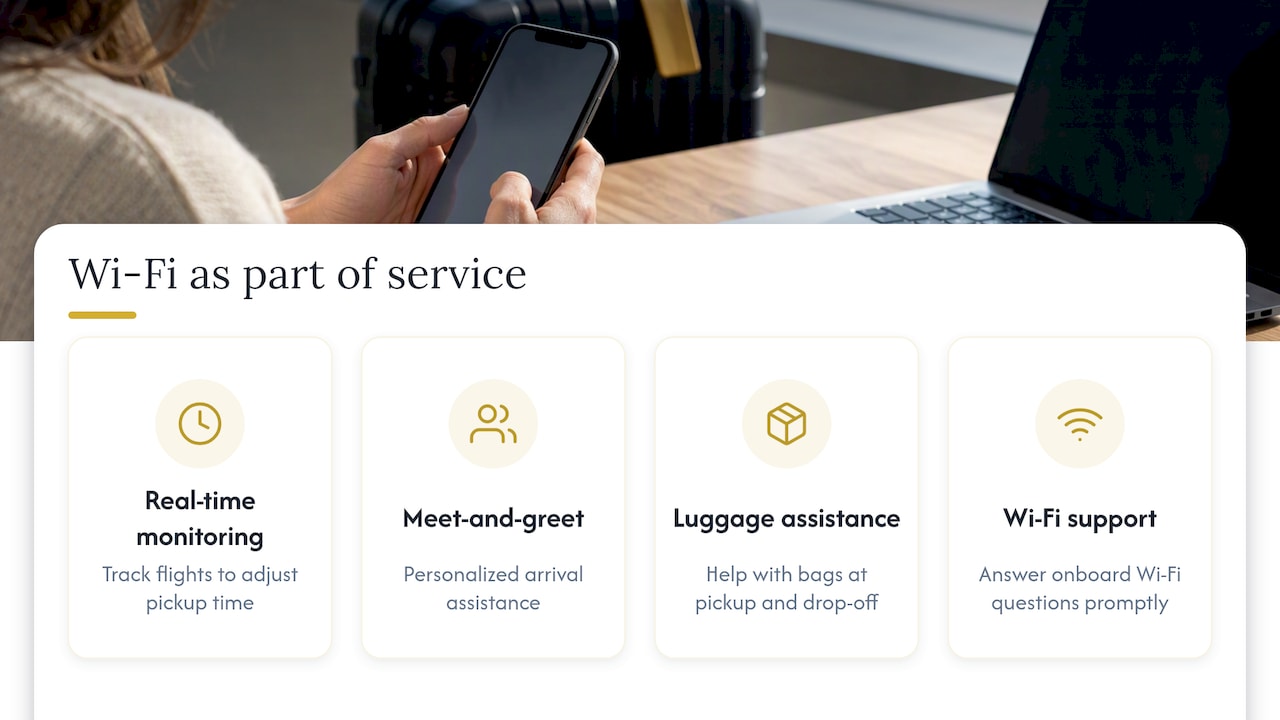
Punctuality and connectivity depend on the same habits: real-time flight monitoring, personalized meet-and-greet service, and luggage assistance are standard parts of how we run a pickup, and we strive to be available whenever needed, ensuring questions about onboard Wi-Fi are answered promptly. For a business traveler, that reliability matters as much as the hotspot itself, since a transfer that runs late undermines a connected ride just as much as a weak signal does.
— Erki
Book a SolidRide transfer with Wi-Fi confirmed in advance
We can confirm onboard Wi-Fi details before you ever step into the vehicle, which removes the guesswork that comes with booking blind. Our fleet includes premium vehicle classes, and every booking can include a written note on connectivity if you ask for one.

A few ways to move forward:
- Check current rates and vehicle options on our price list.
- Browse our full range of services, including group travel and pet-friendly transport, on our main site.
- Request custom arrangements for larger groups or special projects by contacting us directly.
If you’re weighing a private transfer against a shared ride or public transport, the trade-off usually comes down to control: a shared shuttle or a tram into the city center is cheaper, but it won’t let you confirm a private hotspot, a specific vehicle, or a pickup timed to your flight. For business trips or anything where a stable connection matters, booking directly and asking for written Wi-Fi confirmation remains the simplest way to avoid surprises.
FAQ
Is onboard Wi-Fi standard in Estonian private transfers?
It varies by operator: some premium services include a vehicle hotspot as standard, while budget or shared options may not offer it at all. The safest approach is to ask directly at booking and get the answer in writing rather than assuming it’s included.
How is vehicle Wi-Fi different from Tallinn Airport Wi-Fi?
Tallinn Airport provides free terminal Wi-Fi called “Airport Free by Guardtime,” accessed through a browser login gateway, and it only covers the terminal building. Onboard vehicle Wi-Fi is a separate connection, usually a router or phone hotspot, that travels with you during the ride itself.
What should I do if onboard Wi-Fi drops during my transfer?
Keep a backup option ready, such as your own phone’s data plan or a downloaded offline copy of anything urgent, since rural roads and ferry crossings to Saaremaa or Hiiumaa can weaken cellular signal temporarily. A brief drop in connection on these stretches is common and usually resolves once the vehicle returns to a stronger coverage area.
Can I use onboard Wi-Fi for work calls during a transfer?
Vehicle hotspots generally handle email, messaging, and voice-based calls over VoIP reliably, but heavier tasks like video conferencing for multiple participants can strain a basic connection. For an important call, confirm the hotspot type and typical speed with the operator in advance, and have mobile data as a fallback.
Is onboard Wi-Fi secure to use for sensitive information?
Treat any vehicle hotspot the way you’d treat public Wi-Fi: avoid logging into banking or highly sensitive accounts unless the network is password-protected with WPA2 or stronger. Using a VPN for business traffic adds a reasonable layer of protection regardless of how the hotspot is secured.
Lisa kommentaar